

How to Handle Decline Code 51 (Insufficient Funds) at Your Restaurant
"In 12 years running payment systems for US restaurants, I've seen decline code 51 wreck more sales than any other error—not because it's complex, but because staff botch the handoff. The card says 'no,' the customer sees panic, and boom—you lose the ticket and the tip. But here's the thing: code 51 is the easiest decline to fix if you know what to do."
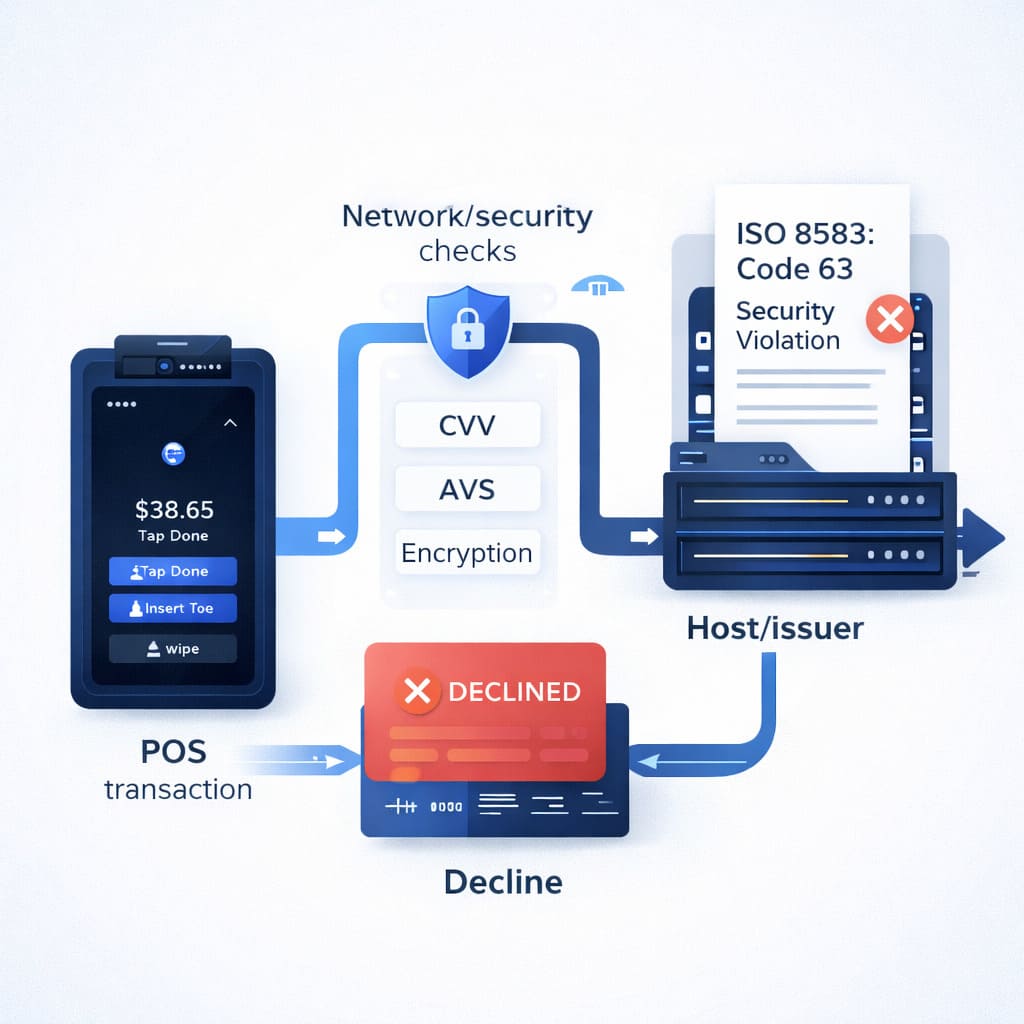
What Does Decline Code 51 Actually Mean?
Decline code 51 means one thing: insufficient funds. The cardholder’s bank said “no” because either:
- The account balance is too low, or
- They’ve maxed out their available credit limit.
That’s it. No mystery. No fraud. No system glitch on your end. The issuing bank (the customer’s bank) sent this code back through the payment processing system, through your processor, to your terminal. It’s a hard decline—you can’t override it, you can’t “fix it,” and you definitely shouldn’t retry the same transaction immediately.
The code appears on your EFTPOS/POS systems as “Response Code 51,” “Host Error 51,” “Declined 51,” or sometimes “APPR Code 051.” All labels point to the same reason: not enough money.
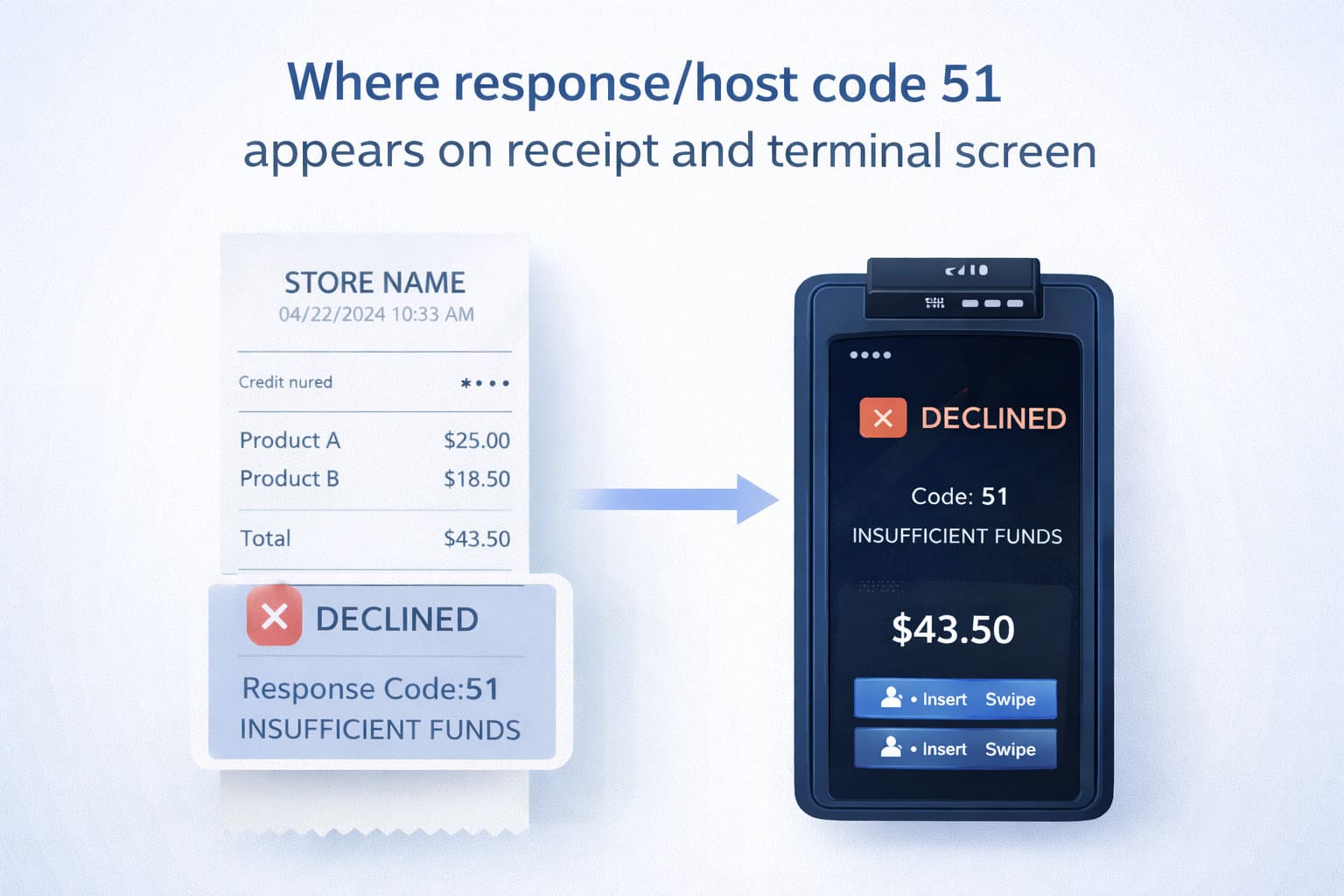
According to ISO 8583 technical specifications and card network documentation, response code 51 is universally defined as “insufficient funds” across Visa, Mastercard, and American Express networks (Visa Operations Guide, 2023; Mastercard Developers, 2023).
Why Does “Code 51” Appear: Main Causes
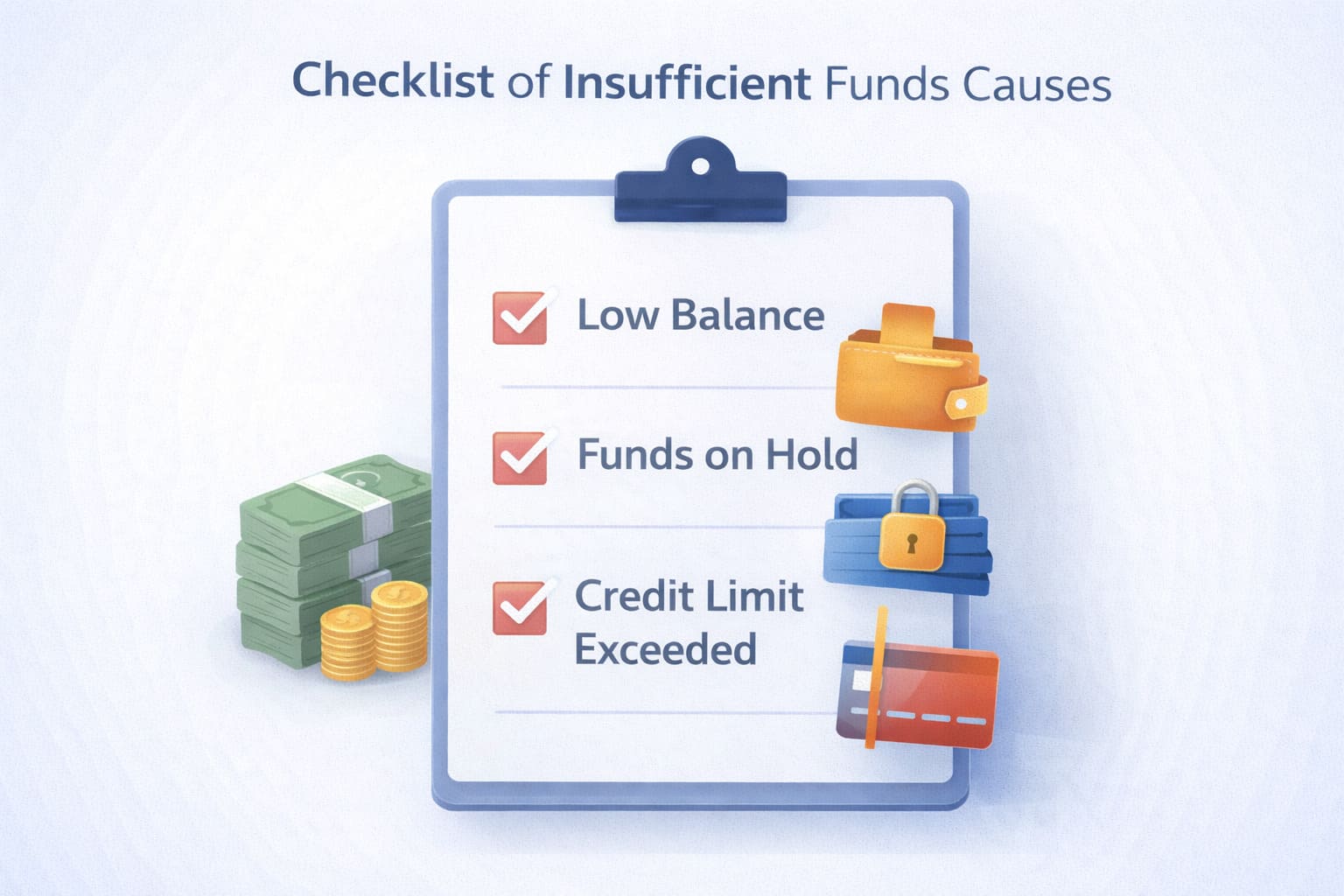
Most people assume code 51 means the account is empty. But there are actually three scenarios:
1. The Account Balance Is Legitimately Low
Customer has $22 in their checking account; they’re trying to pay a $35 tab. Bank says no. Clean situation.
2. Money Is "Frozen" by Holds
This one trips up customers constantly. A pre-authorization (also called a hold) is when a bank temporarily sets aside funds for a pending transaction—hotel hold, rental car deposit, subscription charge, etc. The money’s still there, but it’s not available. So even if the account has $500 total, with a $400 hotel hold, the available balance is $100. Try to spend $120 at your restaurant? Code 51.
Research from major card networks confirms that holds can reduce available balance for 1–3 hours on average, though some institutions maintain holds for up to 7 days depending on transaction type (Mastercard Developers, 2023; Visa Operations Guide, 2023).
3. Credit Card: They've Hit Their Limit
For credit cards, code 51 means the available credit line is exhausted. They owe $4,800 on a $5,000 limit; they’re trying to spend $300. Bank says: “Nope, that would push them over.”
Understanding the difference matters for how you talk to the customer.
Code 51 on Debit Cards vs. Credit Cards: What’s the Difference?
On a debit card: The available balance in the checking account is genuinely too low. Customer needs to go to an ATM, transfer funds, or use a different payment method. There’s no credit line to fall back on. The “debit not available” message means real money isn’t there—or it’s locked by pending transactions.
On a credit card: They’ve either spent close to their limit or have a pending hold that’s eating into their available credit. Sometimes issuers also place temporary blocks after big purchases as a fraud check—the balance is there, but it’s temporarily unavailable.
| Card Type | Why Code 51 Happens | Key Difference | What to Tell the Customer |
|---|---|---|---|
| Debit | Account balance is below transaction amount | No credit line available; uses real money only | “Your account balance is too low. Do you have another card or cash?” |
| Credit | Available credit exceeded or hold is blocking funds | Credit limit or temporary hold is the issue | “Your credit limit might be maxed. Try another card, or call your bank to check your available credit.” |
How Does Code 51 Show Up On Your Terminal?
On most EFTPOS/POS systems, when a customer’s card is declined with code 51, you’ll see one of these messages:
- “Host Error 51”
- “Declined 51”
- “Response Code 51”
- “Insufficient Funds” (sometimes written out)
This message comes from the issuing bank (the customer’s bank), not from your system. Restarting your terminal, switching networks, or calling your processor won’t change it. The bank made the decision, and only the customer can fix it on their end.
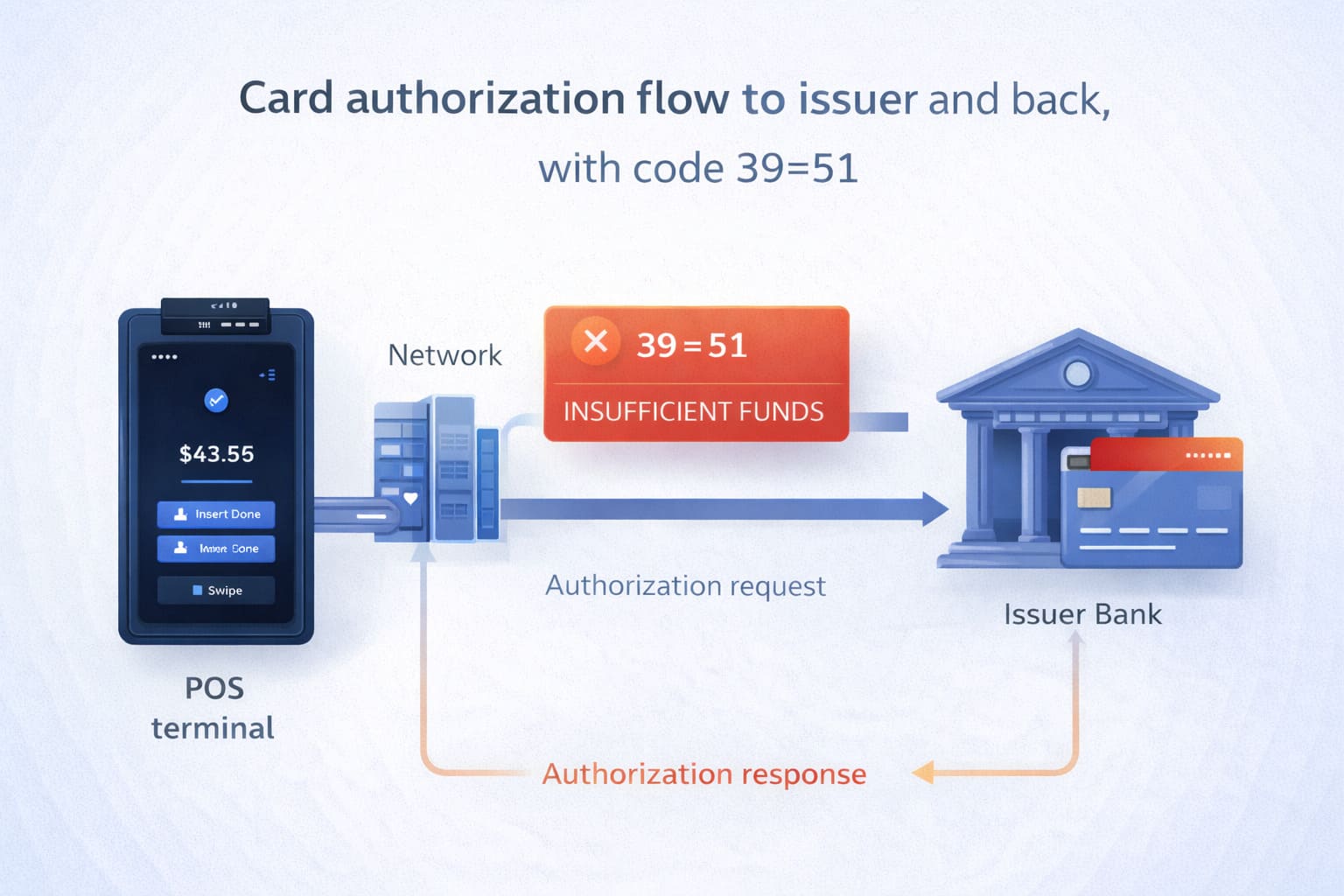
In the ISO 8583 authorization message structure, this code is transmitted in Field 39 (Response Code). When your terminal sends an authorization request (MTI 0100) containing the card data and transaction amount, the issuing bank evaluates available funds and returns a response message (MTI 0110) with Field 39 set to “51” if funds are insufficient (Worldpay ISO 8583 Reference Guide V2.46, 2023).
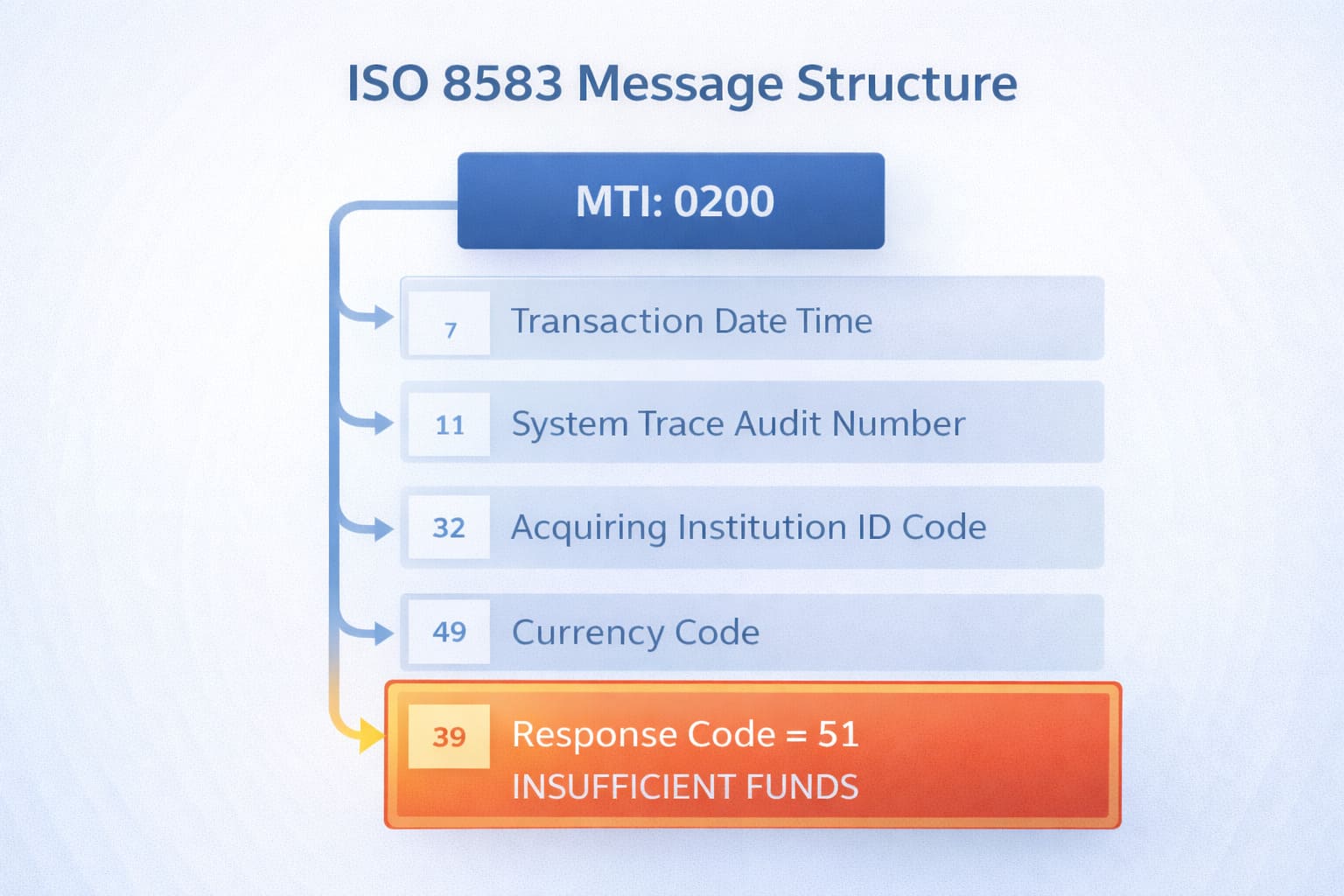
The merchant’s processor and terminal cannot override this decision. The decline originates at the issuer level and flows back through the card network to your point of sale.
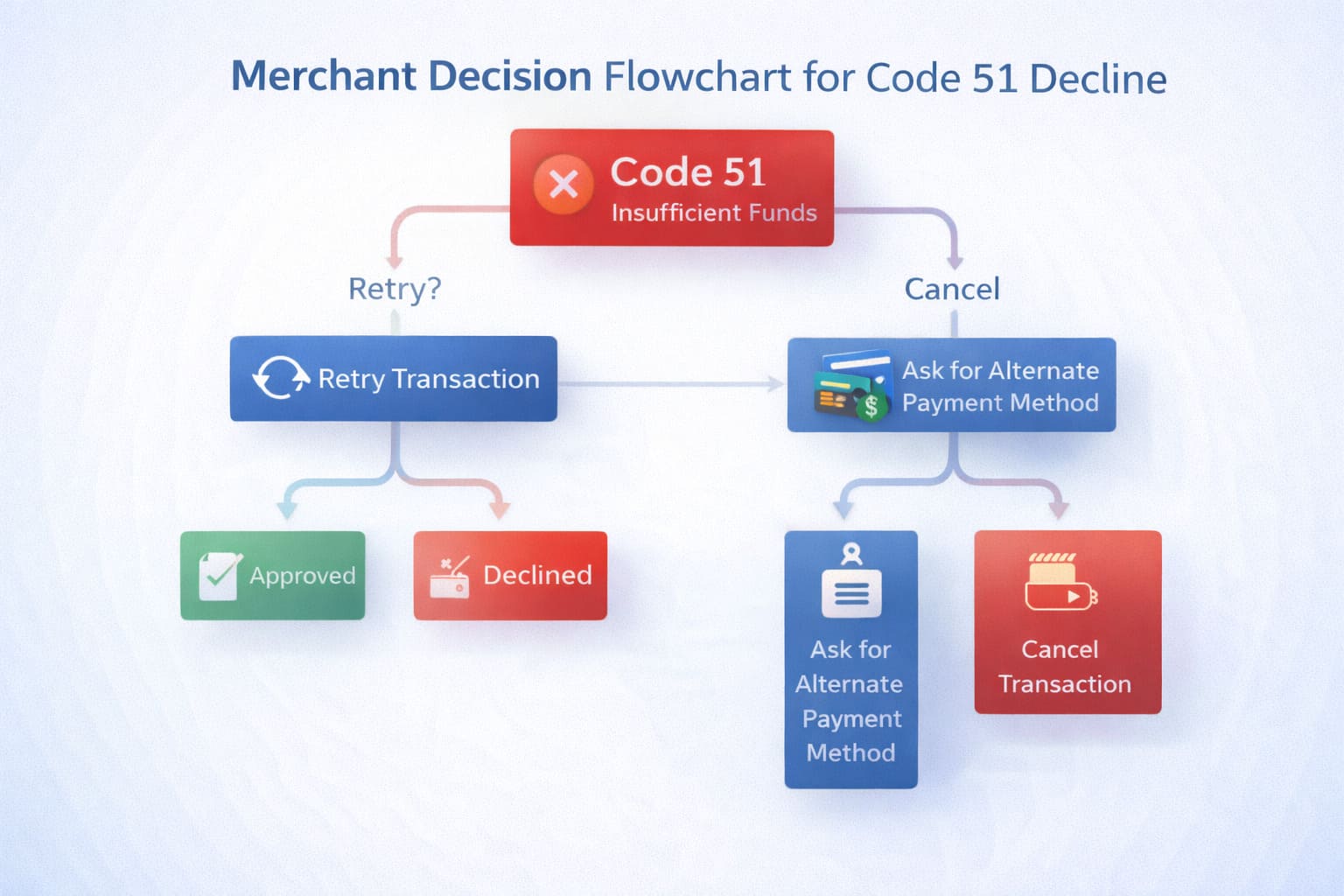
The Four-Step Protocol: What Your Staff Should Actually Do
Here’s the playbook—print it, laminate it, train everyone:
Step 1: Don't Panic. Don't Blame the Customer.
When you see “Declined 51,” take a breath. This happens hundreds of times per day at restaurants nationwide. It’s not a crisis; it’s a normal business moment that needs a calm, professional response.
Step 2: Inform the Customer Clearly and Tactfully
Approach the table or counter with a neutral, friendly tone. Use this script or something like it:
“Hey, I checked with the bank, and they’re saying there isn’t quite enough available on this card right now. No worries—it happens all the time. Do you have another card, or would you prefer to pay with cash?”
What NOT to say:
- “Your card got declined.” (Vague, sounds like a fault.)
- “There’s a problem with your payment.” (Scary word: “problem.”)
- “Your card is maxed out.” (Embarrassing; you don’t know the reason for sure.)
Step 3: Offer Alternatives Immediately
Don’t just tell them the card didn’t work. Give them options:
- Another card
- Cash
- Split the bill (if applicable)
- A digital wallet (Apple Pay, Google Pay) linked to a different account
Many customers have multiple cards. The first one failed; the second one might work.
Step 4: Don't Retry the Same Card Immediately
This is critical. Never run the same card again right away. Here’s why:
- If the account truly has no money, a second attempt won’t fix it.
- Duplicate transactions can trigger fraud alerts at the bank, which locks the card further.
- It looks desperate and erodes customer confidence.
If the customer wants to wait 15–30 minutes (e.g., they’re waiting for a transfer to clear), that’s fine. But make it their choice, not your impulse.
Restaurant-Specific Flows: Tip Adjust & Batch Capture Declines
One scenario that often catches restaurants off guard is the post-authorization decline—when a transaction is approved at the point of sale but then declines during the tip-adjust phase or batch settlement.
Why This Happens
After a transaction is initially approved, the cardholder’s bank places a temporary hold on the funds. If a hold expires, additional charges post (e.g., a tip added after the meal), or batch processing occurs outside the authorization window, the issuer may deny the capture or adjustment request with code 51.
What to Do
- Check your batch reports for “capture declined” or “adjustment failed” statuses.
- Contact the customer if the full amount (including tip) wasn’t collected. Explain: “Your card was approved for the meal, but the bank didn’t allow us to add the tip during batch processing. Can we collect the tip separately?”
- Retry the adjustment within 24 hours if the hold was temporary. Most institutions re-open funds after 15–30 minutes.
- Partial capture as fallback: If your POS supports it, capture the authorized amount without the tip adjustment, then request a separate pre-authorization for the tip (with customer consent).
- Document and escalate: If the problem persists, escalate to your processor for issuer-level investigation. Some banks maintain stricter hold policies than others.
Code 51 at batch doesn’t mean fraud or system error—it means the bank withdrew the hold or has a policy against post-authorized adjustments above a threshold. Work with the customer and your processor to resolve transparently.
What Your Restaurant Policy Should Say (Decline Code 51 Restaurant Policy)
Create a written, simple policy that your staff knows cold:
- When a card is declined with any code, the server/cashier informs the manager or the customer directly (don’t leave the customer hanging).
- Always offer alternatives first—another card, cash, or digital payment—before asking the customer to wait or retry.
- Never store full card details or retry information in your POS logs. (This is PCI DSS compliance stuff; don’t keep sensitive data lying around.)
- Train staff to stay neutral in language. The goal is to collect payment, not make the customer feel judged.
- For split bills or partial payments, inform the customer upfront that you can run two separate transactions if needed.
- Document the decline in your system (most POS systems do this automatically) but don’t attach the customer’s name to payment method details.
This content is general information and not legal, compliance, or financial advice. Consult your acquirer, processor, and a PCI DSS-qualified assessor for your specific restaurant’s policies and obligations.
Training Your Staff: What Servers Actually Need to Know
Most restaurants don’t formally train servers on payment declines. Result? Servers panic, customers feel embarrassed, and you lose sales and tips.
Here’s a 60-second training module to roll out:
What Is Code 51?
“It means the customer’s bank said there aren’t enough funds available. It’s not a system error; it’s not a security issue. It’s a real constraint on their account.”
What Should You Say?
“I checked with the bank, and there isn’t enough available on this card right now. Do you have another card, or would you like to pay with cash?”
What Should You NOT Do?
- Don’t run the same card twice.
- Don’t explain the code (customers don’t care about codes).
- Don’t suggest they call their bank right now (they can do that later; focus on collecting payment now).
What Should You Offer?
- Another payment method.
- A moment to pay cash.
- A split bill if they have travel companions.
- A digital wallet if your POS supports it.
If They Insist on Using the Same Card After Waiting:
“Sure, that’s fine. Let’s try it again.” Sometimes a pending transaction clears in 15–30 minutes, freeing up funds. But make it their call.
For Your Customers: “My Card Got Declined with Code 51—What Do I Do?”
If you’re a restaurant owner reading this and want to help confused customers, here’s what you can tell them:
This is general information, not individualized financial advice. For account-specific guidance, contact your bank.
Immediate Steps:
- Check your phone. Log into your bank’s app or call their customer service line. Ask:
- “What’s my current account balance?”
- “Do I have any active holds?”
- “What’s my available credit limit?” (if it’s a credit card)
- Use a different card if you have one. Most people have 2–3 cards.
- Pay with cash if available.
- Ask about a partial payment or split transaction. Many restaurants can break a bill across two cards.
- Wait 30 minutes, then retry (only if the customer suspects a hold was about to clear or they’re expecting a transfer). Retrying immediately almost never works.
If the Problem Persists:
Contact your bank directly. They can:
- Confirm your available balance.
- Remove suspicious holds.
- Temporarily increase your credit limit (credit cards only).
- Check for fraud blocks or restrictions on online/offline purchases.
A single declined transaction doesn’t hurt your credit score. Declines are temporary; they’re not reported to credit bureaus unless they’re part of a pattern of late payments or defaults. So don’t stress about that part.
Code 51 vs. Other Decline Codes: Quick Reference
Code 51 isn’t the only decline you’ll see. Here’s how it stacks up:
| Code | Name | What It Means | Who Decides | Fraud Risk | What to Do |
|---|---|---|---|---|---|
| 51 | Insufficient Funds | Not enough money or credit | Issuing bank | Low | Use another card, check balance, retry later |
| 05 | Do Not Honor | Generic refusal (no details) | Issuing bank | Medium/High | Don’t retry immediately; try another card or call bank |
| 14 | Invalid Card Number | Wrong PAN or typo during entry | Processor/Bank | Low | Check the card number and re-enter carefully |
| 54 | Expired Card | Card expiration date has passed | Issuing bank | Low | Use a different card; the card needs renewal |
Code 51 is the “safest” decline—it’s always a money problem, rarely fraud-related, and easy to resolve on the customer’s end.
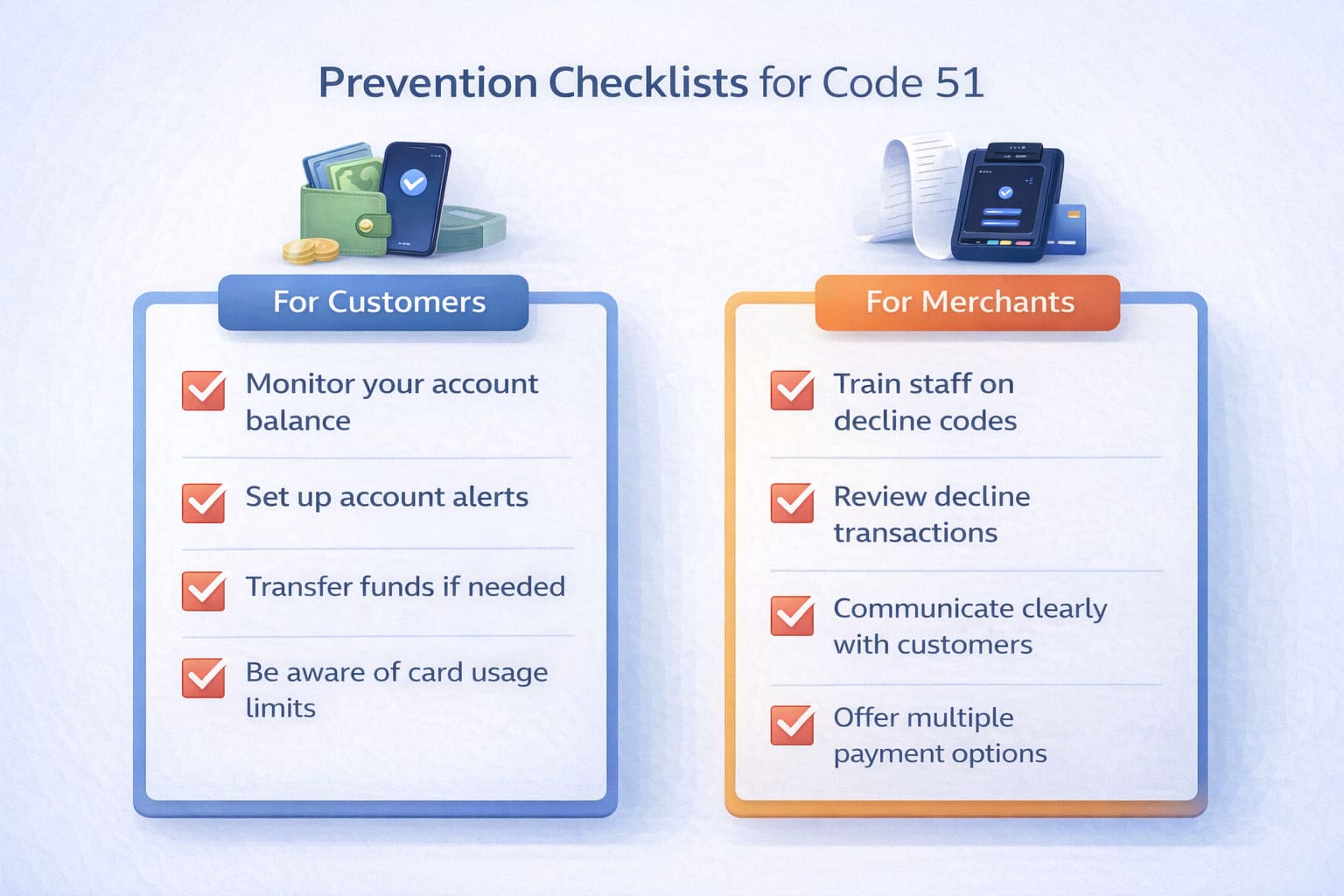
Prevention Best Practices
For Customers:
- Enable low-balance alerts on your bank app or request SMS notifications.
- Check your available balance before large transactions. Don’t assume it’s the same as your total balance; subtract any holds.
- Review pending transactions and holds. Hotels, car rentals, and subscriptions place holds that eat into available funds.
- Know your credit card limits. If you have a $5,000 limit and owe $4,700, your available credit is only $300.
- Ask your bank about daily/weekly spending limits and transaction limits by region.
- Set up overdraft protection (checking accounts only) so declines are less likely.
For Merchants:
- Offer split-tender payments. Many POS systems support splitting a single bill across two cards.
- Inform customers about holds. If your restaurant takes a pre-authorization (hold) for large parties or reservations, let them know upfront.
- Support digital wallets. Apple Pay, Google Pay, and other e-wallets pull from different accounts.
- Monitor decline patterns. Track which processors, card types, or times of day show higher code 51 rates.
- Train your team. One calm conversation saves the transaction and the customer relationship.
- Don’t pressure customers to retry immediately. It erodes trust and rarely works.
For Payment Processors and Developers: ISO 8583 Technical Details
If you’re building POS software or integrating payment processing, here’s how code 51 flows through the system:
Authorization Flow:
- Customer presents card → POS terminal captures data.
- Terminal sends authorization request (ISO 8583 message, MTI 0100) containing:
- Field 2: Primary Account Number (PAN)
- Field 4: Transaction amount
- Field 35: Track data (if swiped/tapped)
- Field 41: Terminal ID
- Request routes → Acquirer (your payment processor) → Card network (Visa/Mastercard) → Issuing bank (customer’s bank).
- Issuing bank checks:
- Is the account valid?
- Is there sufficient available balance?
- Are there fraud signals?
- Issuing bank sends response (ISO 8583 message, MTI 0110) containing:
- Field 39: Response Code = “51” (Insufficient Funds)
- Field 4: Transaction amount (echoed back)
- Field 37: Retrieval reference number (for logging)
- Response routes back → Network → Acquirer → Terminal displays “Declined 51.”
Field 39 is standardized across Visa, Mastercard, and American Express per the ISO 8583:2023 international standard. Code 51 always means insufficient funds across all networks (Worldpay ISO 8583 Reference Guide V2.46, 2023).
If you’re logging declines, capture:
- Response code (field 39)
- Timestamp
- Amount
- Terminal ID
- Card token (if tokenized; never store full PAN)
Never store: Full PAN, CVV, PIN, expiration date, or track data post-authorization. This is a PCI DSS requirement (Requirement 3.2–3.5, PCI DSS v4.0, 2022).
Technical details are informational and may vary by network and acquirer. Refer to official specs (Visa, Mastercard, American Express) and your processor’s documentation for definitive guidance.
Cause → Solution Quick Reference
| Cause | Solution | Contact |
|---|---|---|
| Low account balance | Use different card, cash, or wait for funds | Cardholder’s bank |
| Pre-authorization hold | Wait for hold to clear (15 min–7 days) | Cardholder’s bank |
| Credit limit exceeded | Pay down balance or request limit increase | Card issuer |
| Batch/tip adjust decline | Capture base amount, contact customer for tip | Processor/Customer |
Metrics to Track: Measuring Your Decline Management
To know whether your code 51 protocol is working, track these KPIs:
- Code 51 decline rate: % of total transactions that decline with code 51 (should be <0.5% for most restaurants)
- Recovery rate: % of code 51 declines resolved via alternative payment method
- Retry attempts per decline: Average number of times staff retry the same card (target: ≤1)
- Average payment time: How long payment takes when code 51 occurs vs. standard transactions (goal: <30 seconds difference)
- Batch capture failures: % of code 51 declines that occur at tip-adjust or batch settlement
- Customer satisfaction: Post-decline NPS or feedback
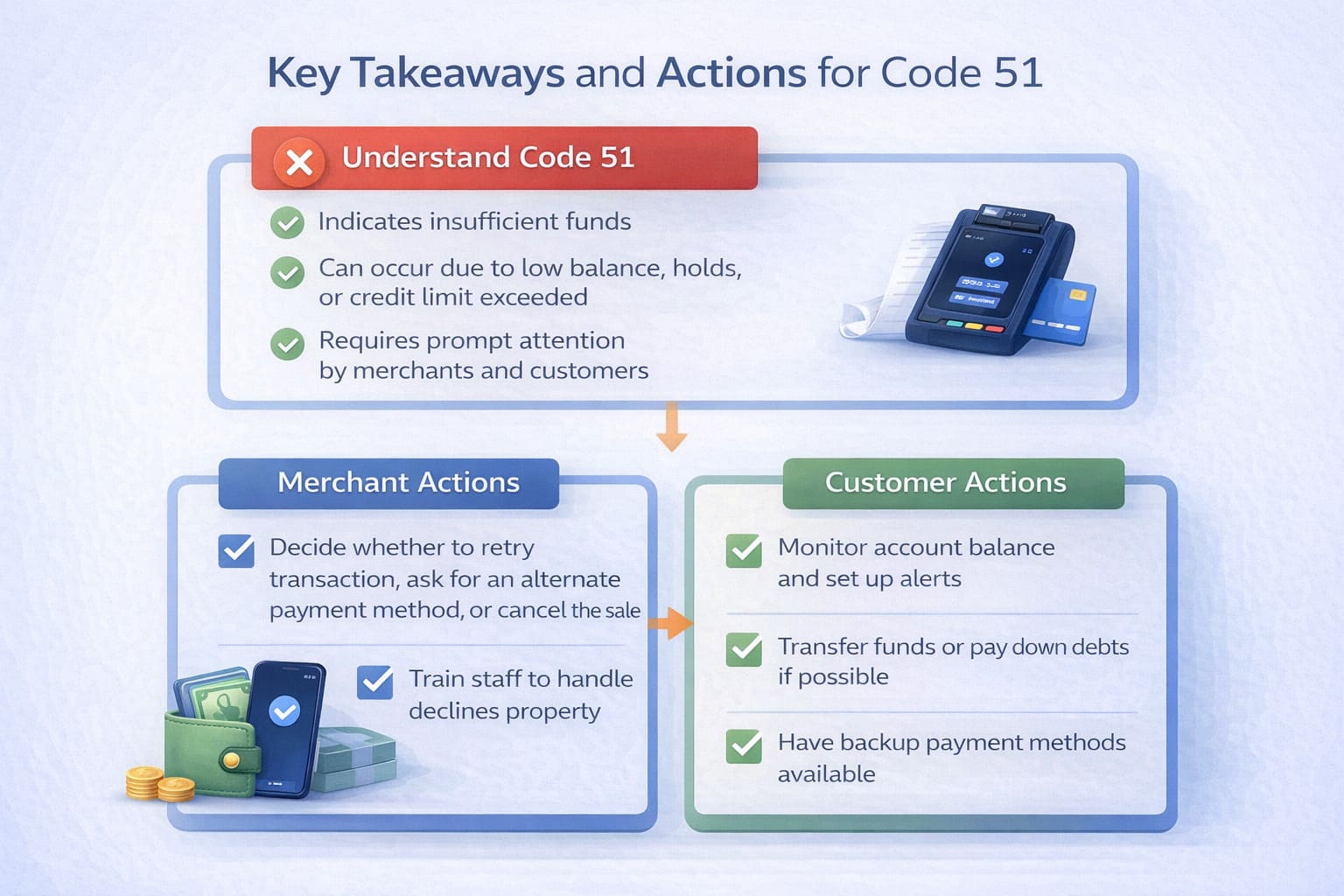
Key Takeaways: Decline Code 51 at a Glance
Insufficient funds or exceeded credit limit. The customer’s bank said no.
Who sends it: The issuing bank (customer’s bank), transmitted through the payment network.
Can you fix it? No. Only the customer can by adding funds, using a different card, or contacting their bank.
What should staff say? “I checked with the bank, and there isn’t quite enough available on this card right now. Do you have another card or cash?”
What should staff NOT do? Don’t retry immediately. Don’t blame the customer. Don’t store full card details.
Prevention (customer side): Enable balance alerts, check available funds, monitor holds, know your credit limits.
Prevention (merchant side): Offer split payments, support digital wallets, train your team, stay calm.
Does it hurt credit? No. Declines aren’t reported; only payment history matters.
From the Front Lines: How Smart Payment Solutions Handles Code 51
In my 12 years building payment infrastructure for US restaurants and merchants, I’ve watched decline code 51 destroy thousands of sales simply because staff didn’t know what to say. I’ve also seen the financial impact: when declines go unresolved, merchants typically lose $800–$2,800 per month in unrecovered transactions, plus additional fees for failed authorizations.
At Smart Payment Solutions, we’ve helped restaurants and retail businesses train their teams to handle declines so smoothly that customers often don’t even notice. We’ve also optimized POS integrations and payment processor setups so that declines are caught before they reach the guest—through real-time balance checks, alternative payment routing, and split-tender capabilities.
One 11-location restaurant chain we worked with provides a real-world example. They were losing approximately $4,200 per month in unresolved decline situations (averaging $382 per location). Most were code 51 declines on the first card attempted. After we implemented a comprehensive program that included:
- Staff training on decline protocols and neutral communication
- Split-tender support in their POS terminals
- Digital wallet integration (Apple Pay, Google Pay)
- Real-time balance verification where processor supported it
- Batch monitoring and post-authorization retry procedures
They recovered approximately two-thirds of those lost transactions by offering alternatives immediately. Customer satisfaction with payment experiences improved by 34%, and disputes related to “customer felt judged during decline” dropped to near zero.
The lesson: Code 51 isn’t a loss if you handle it with calm professionalism. Train your team, offer alternatives, monitor batch declines, and you’ll keep the sale and the customer.
— Max Artemenko, Smart Payment Solutions
Need Help with Payment Declines or POS Setup?
If your restaurant or retail business is bleeding sales due to payment processing issues—whether it’s decline codes, high fees, slow terminals, or confusing chargeback patterns—let’s talk. Smart Payment Solutions audits your entire payment flow and implements fixes that stick.

What do our customers think about us
Frequently Asked Questions

Other Articles
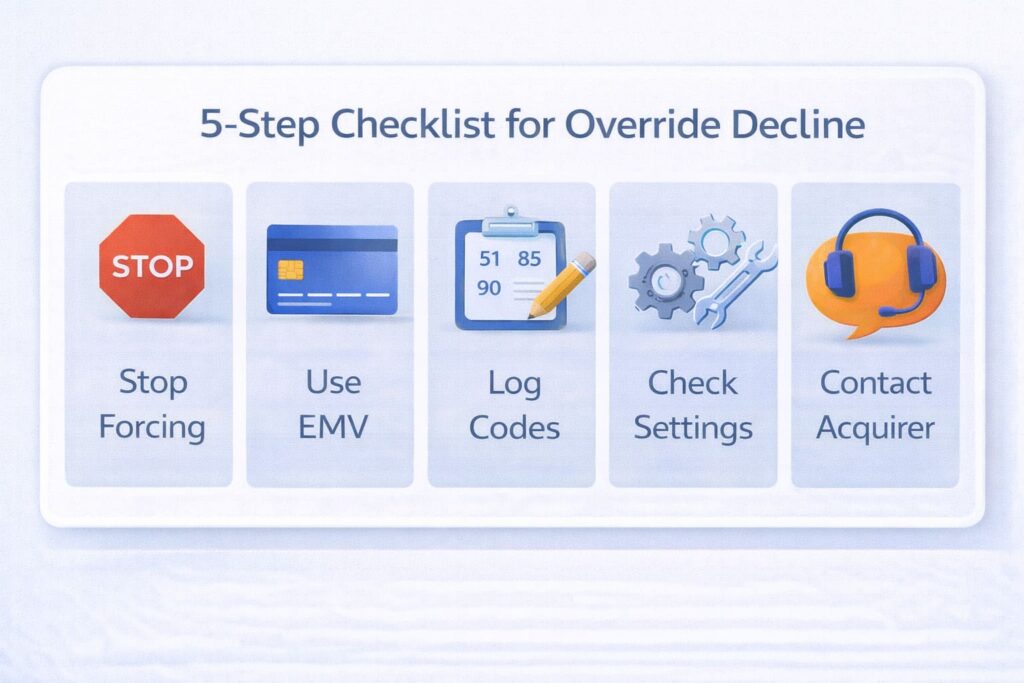
Merchant Override Decline: What It Means and How to Fix It
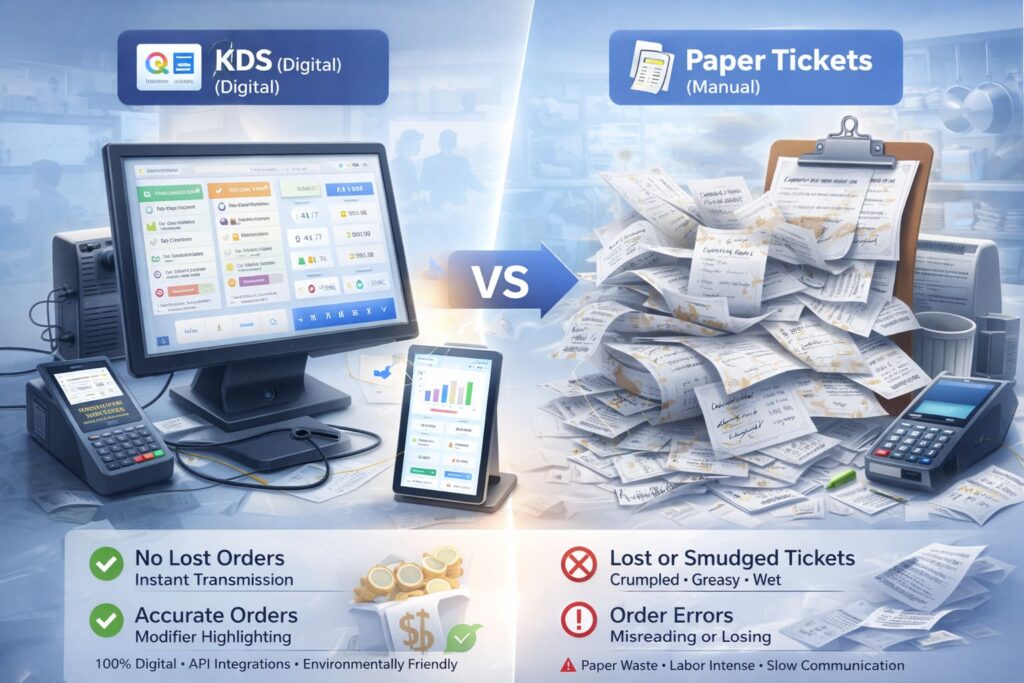
KDS vs. Paper Tickets: The Complete Guide to Choosing Your Restaurant Kitchen System
What Does “SEC Violation” Mean on Your Credit Card Terminal?
